Generate Light Shows for Your DJ Set Automatically
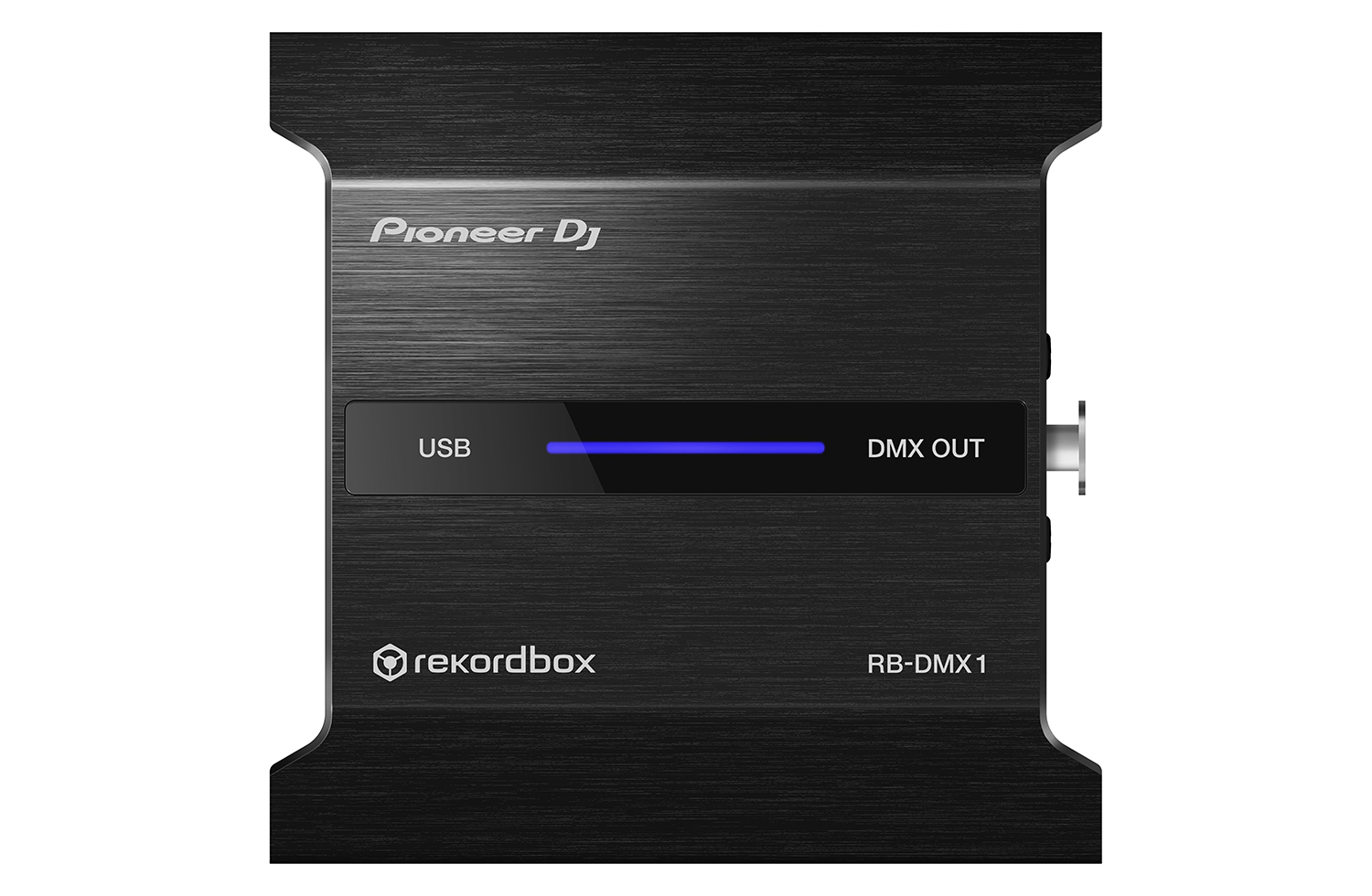
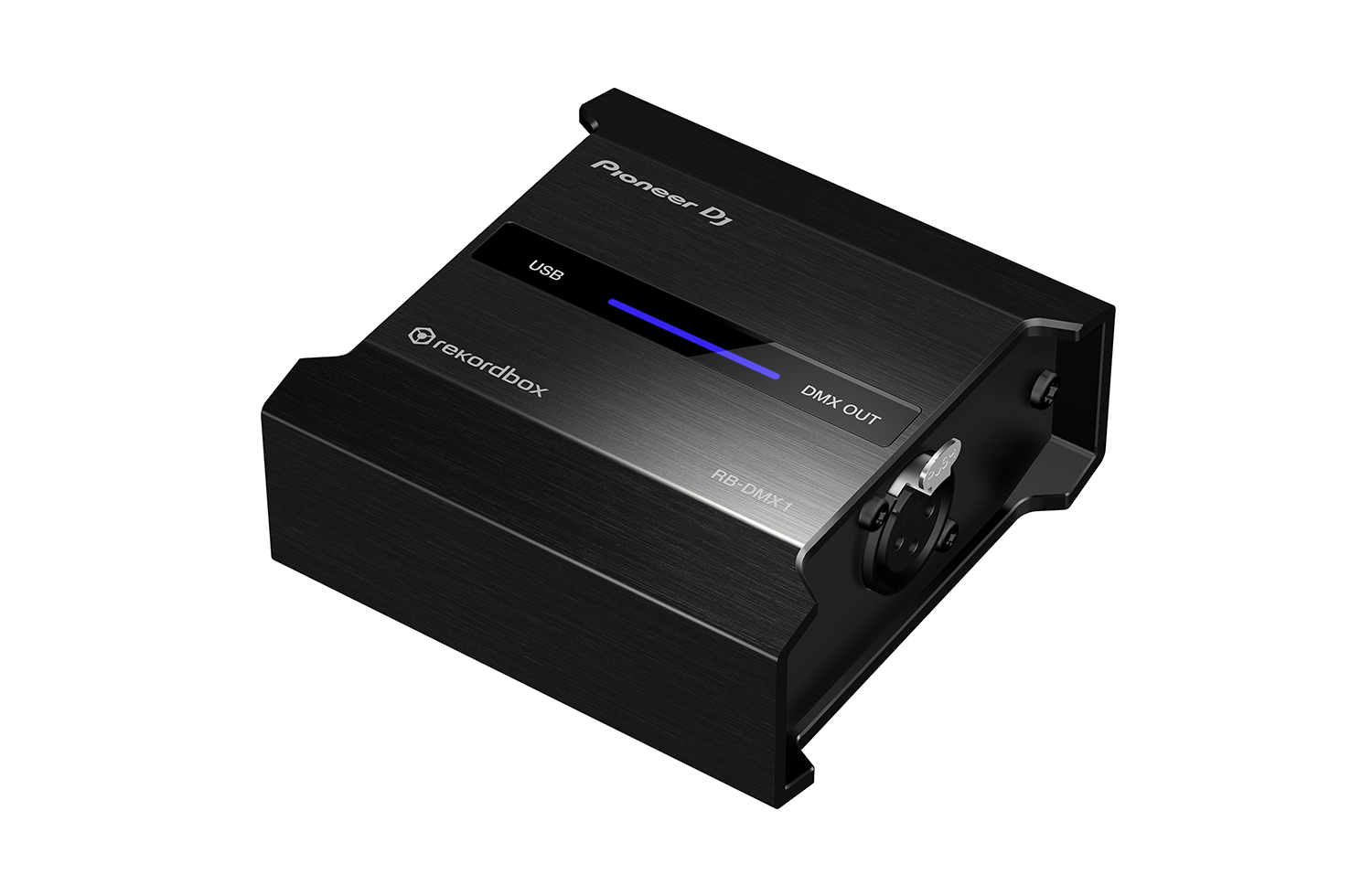
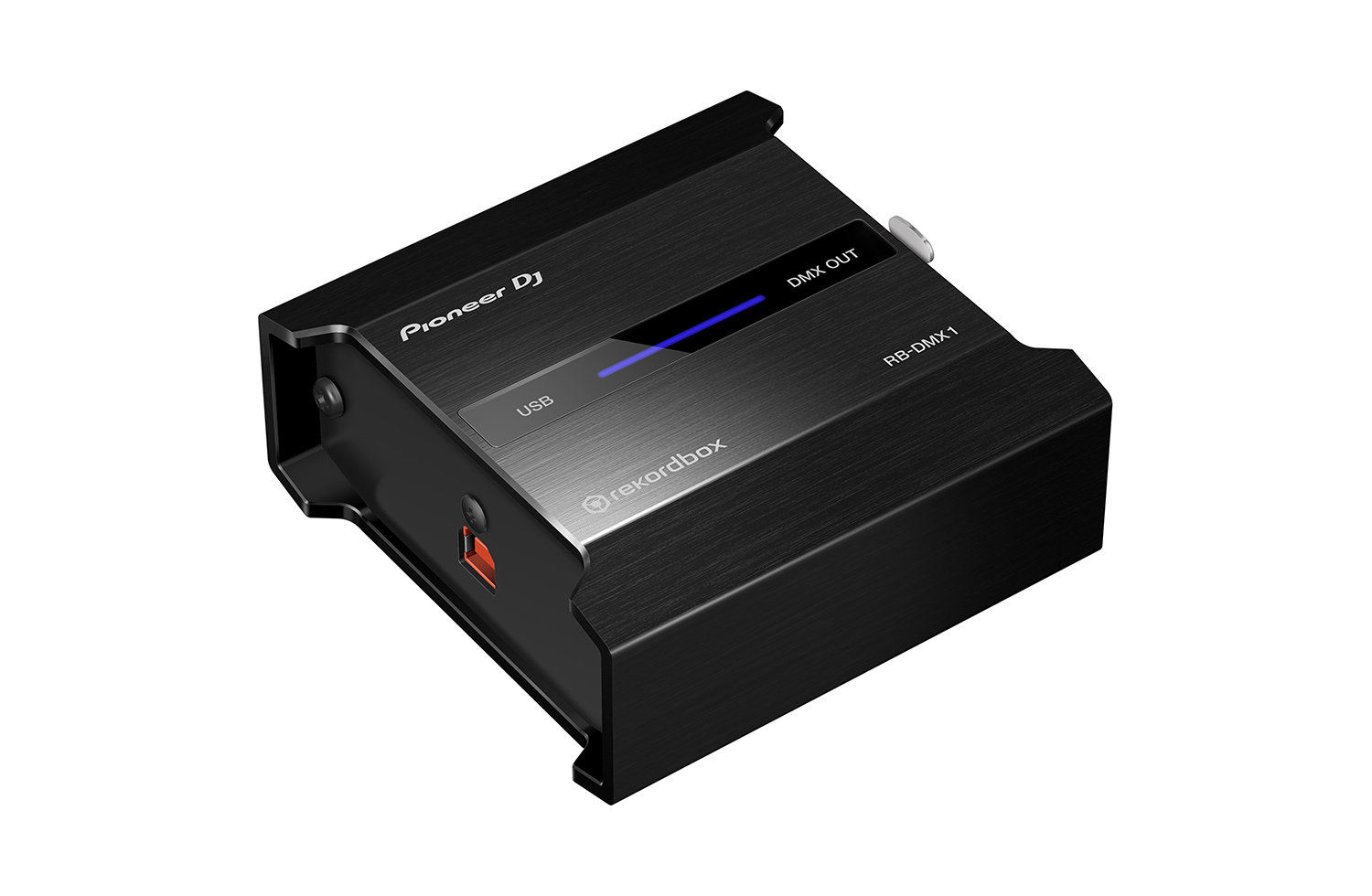
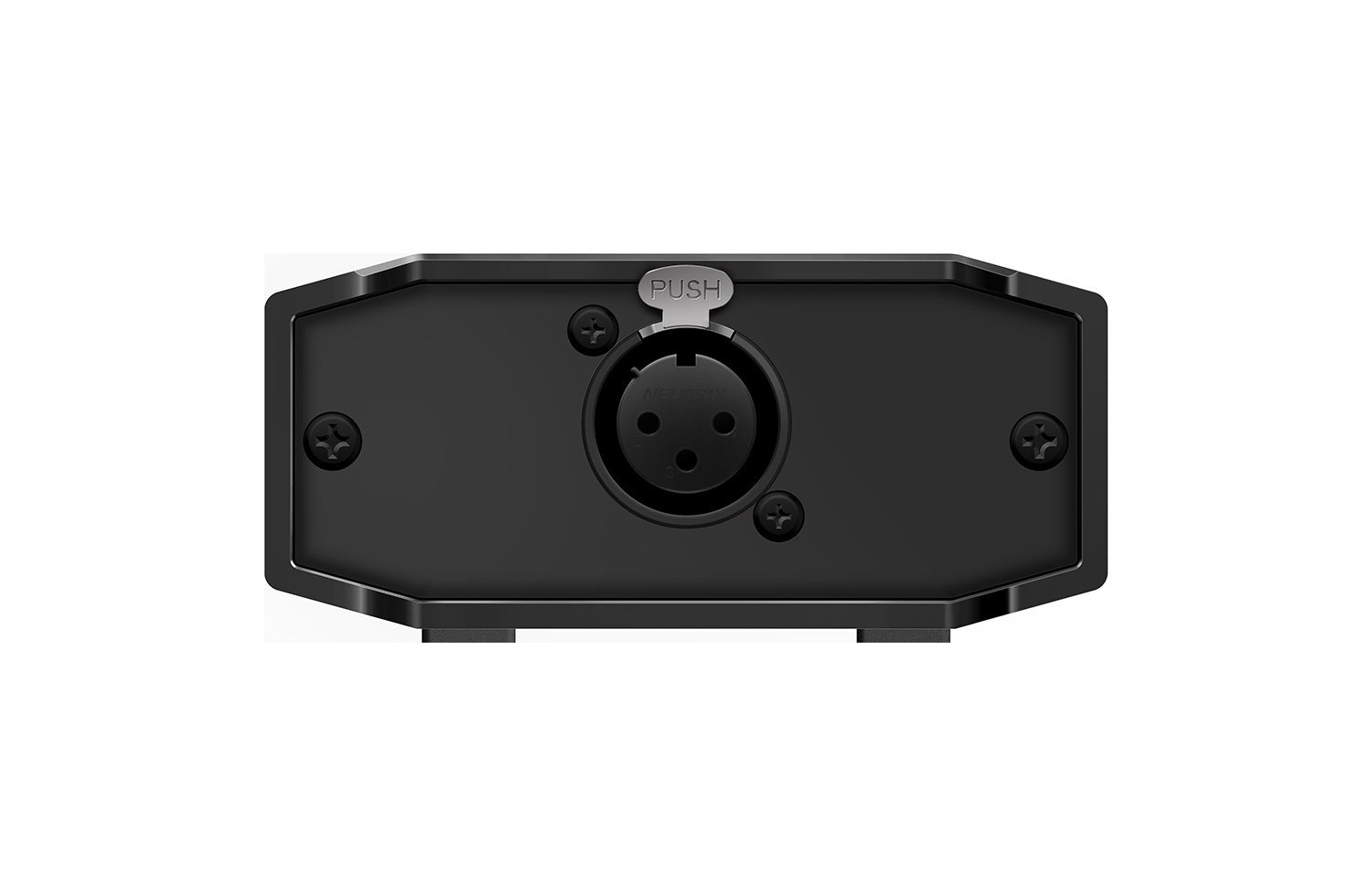
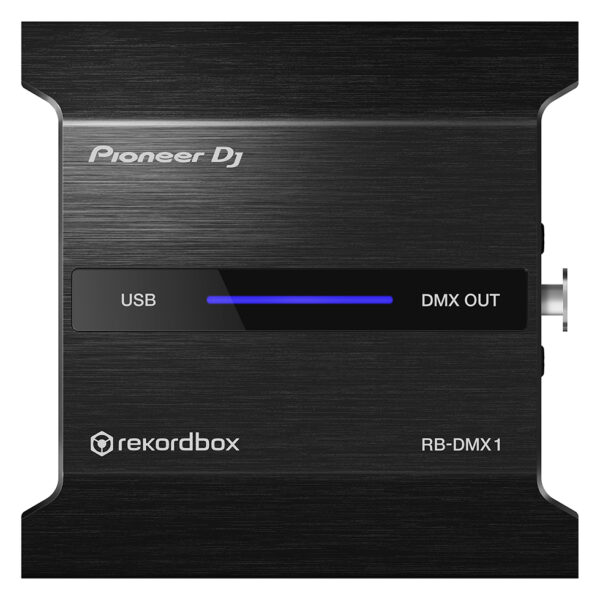
With the PIONEER DJ RB DMX1 converter and lighting controller, you’ll be able to use rekordbox DJ’s Lighting mode to automatically create light shows that sync with your music. Introduced in rekordbox DJ v5.2, Lighting mode makes setting up your lightshow an effortless automatic process, with the ability to quickly customize it to your preferences. Connect the PIONEER DJ RB DMX1 converter to your Mac or PC, add a set of DMX512-supported lighting fixtures, and Lighting mode will control your lights in sync with your music. In other words, you can eliminate hours of pre-show lighting setup with the PIONEER DJ RB DMX1 converter. Call your megs star technology Sales Engineer to learn more about how to add this to your DJ setup.
With the PIONEER DJ RB DMX1 converter and lighting controller, you’ll be able to use rekordbox DJ’s Lighting mode to automatically create light shows that sync with your music. Introduced in rekordbox DJ v5.2, Lighting mode makes setting up your lightshow an effortless automatic process, with the ability to quickly customize it to your preferences. Connect the PIONEER DJ RB DMX1 converter to your Mac or PC, add a set of DMX512-supported lighting fixtures, and Lighting mode will control your lights in sync with your music. In other words, you can eliminate hours of pre-show lighting setup with the PIONEER DJ RB DMX1 converter. Call your megs star technology Sales Engineer to learn more about how to add this to your DJ setup.
Pioneer DJ RB-DMX1 DMX Converter/Lighting Controller Features:
DMX converter for use with rekordbox DJ software (license included)
Converts rekordbox DJ’s Lighting mode data to DMX to control DMX512-supported lighting fixtures
Supports 1 universe (512 channels) of DMX control
Aluminum casing for durability
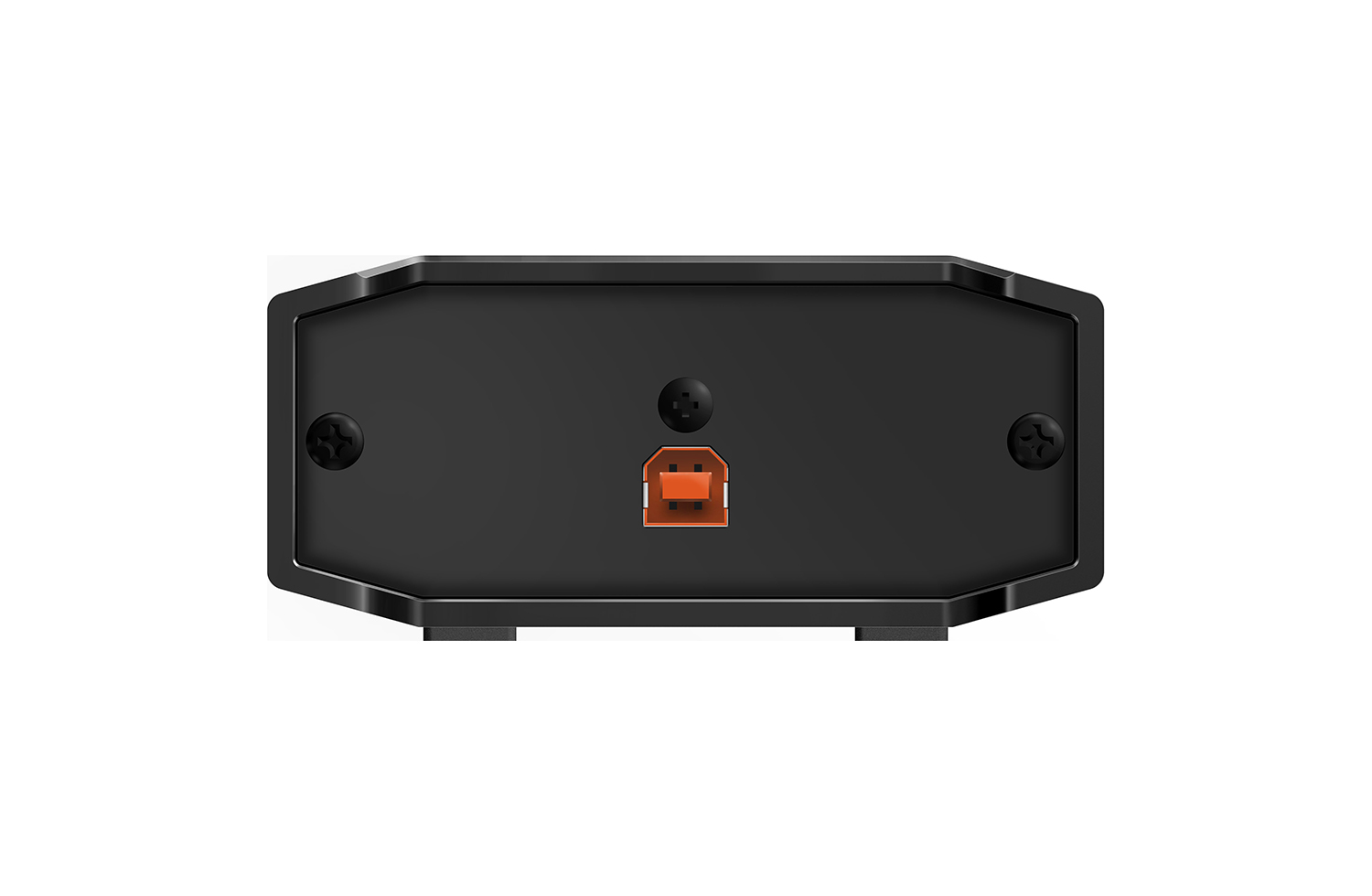
Connects to your Mac or PC via USB (cable included)
Generate Light Shows for Your DJ Set Automatically
With the PIONEER DJ RB DMX1 converter and lighting controller, you'll be able to use rekordbox DJ's Lighting mode to automatically create light shows that sync with your music. Introduced in rekordbox DJ v5.2, Lighting mode makes setting up your lightshow an effortless automatic process, with the ability to quickly customize it to your preferences. Connect the PIONEER DJ RB DMX1 converter to your Mac or PC, add a set of DMX512-supported lighting fixtures, and Lighting mode will control your lights in sync with your music. In other words, you can eliminate hours of pre-show lighting setup with the PIONEER DJ RB DMX1 converter. Call your megs star technology Sales Engineer to learn more about how to add this to your DJ setup.
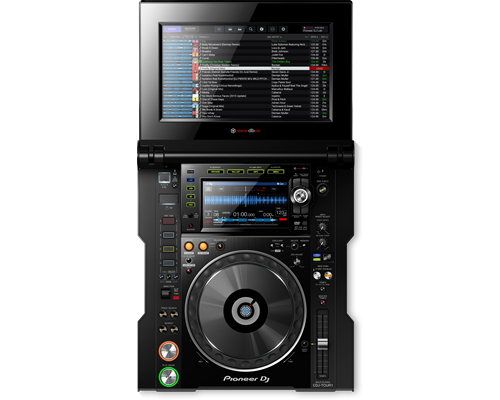
The CDJ-TOUR1 delivers the warm high-resolution sound you're used to, and adds pro-grade audio components to scale up for any size of event. And with the same familiar layout and features as the CDJ-2000NXS2, and a large fold-out touch screen you get effortless control when it matters most.
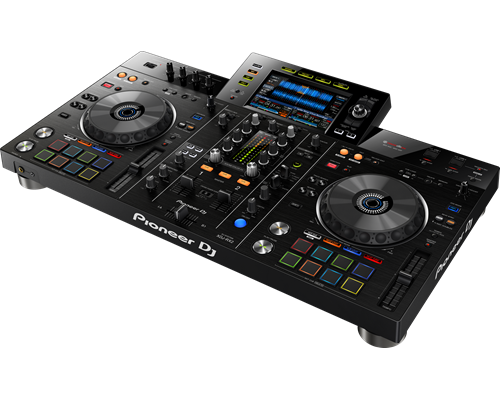
The XDJ-RX2 is an upgrade of the popular XDJ-RX, combined with features and traits from the flagship NXS2 series. The 2-deck, 2-channel all-in-one system delivers a professional DJ experience whether you connect it to rekordbox dj via your laptop or music stored on a USB device.The XDJ-RX2 boasts a large, 7-inch touch screen with QWERTY search, plus features inherited from the CDJ-2000NXS2 and DJM-9000NXS2, including rotary selector, track filter, short cuts, Sound Colour FX and Beat FX. The 8 large, multi-coloured Performance Pads give you smooth control over Hot Cues, Beat Loop, Slip Loop and Beat Jump. Take your performance to the next level as you enjoy the ease and portability offered by an all-in-one solution.
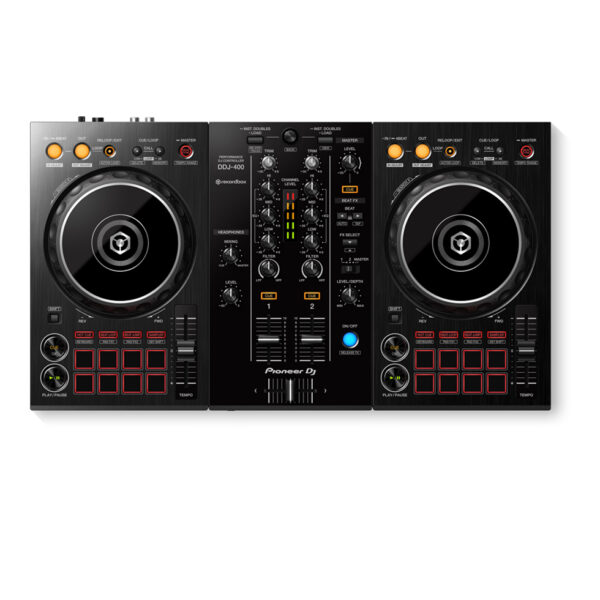
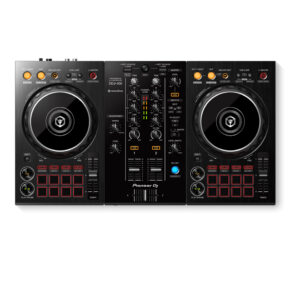
With the Pioneer DDJ-400, you'll learn the intricacies of the profession as a starting DJ. Thanks to the internal sound card, you don't need to connect an audio interface. This means that you can connect the DJ controller directly to your speakers. Thanks to the velocity-sensitive and multifunctional drum pads, you can get the most out of the included Rekordbox software. Use the drum pads to activate the sampler, and personalize your set by adding sound clips. You can also use the drum pads to easily jump to a hot cue.
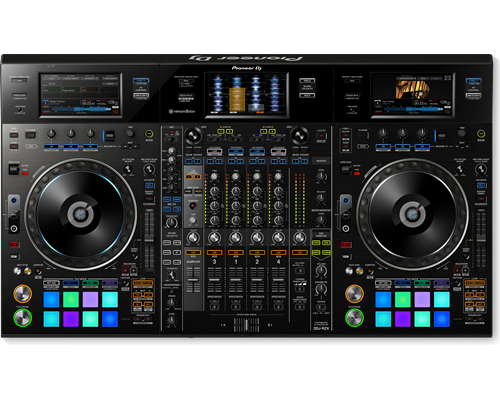
Visualise your sets with the DDJ-RZX controller for rekordbox video. Designed for DJs on the road, it comes with three 7-inch touch screens that let you close your laptop and get intuitive control over audio and video features in rekordbox dj and rekordbox video directly from the hardware.The DDJ-RZX inherits traits from the CDJ-2000NXS2 multiplayer and DJM mixer series including large jog wheels, multicoloured Performance Pads and high-quality sound. Plus an extensive FX unit lets you trigger Mic FX, Combo FX, Sampler Repeat and Release FX – as well as the studio-quality Sound Colour FX from the DJM-900NXS2.
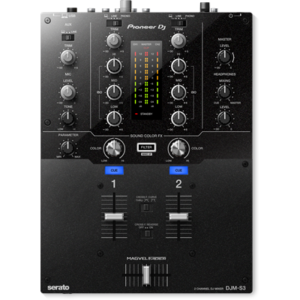
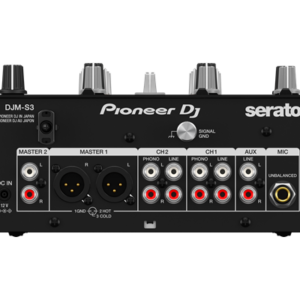
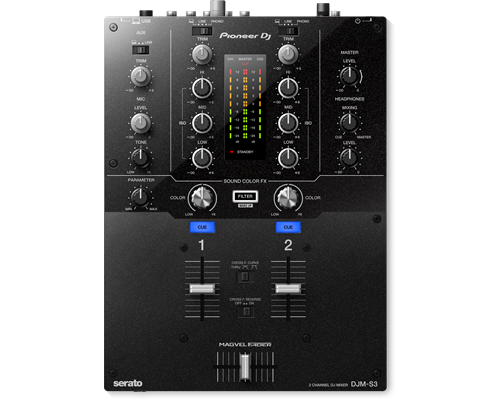
Thanks to the built-in soundcard, this 2-channel mixer is Serato DJ enabled as soon as you unpack it. Featuring a highly durable Magvel crossfader, inherited from the DJM-900NXS2, the DJM-S3 delivers a smooth and accurate response.
Content
PIONEER DJ RB DMX1
With the PIONEER DJ RB DMX1 converter and lighting controller, you'll be able to use rekordbox DJ's Lighting mode to automatically create light shows that sync with your music. Introduced in rekordbox DJ v5.2, Lighting mode makes setting up your lightshow an effortless automatic process, with the ability to quickly customize it to your preferences. Connect the PIONEER DJ RB DMX1 converter to your Mac or PC, add a set of DMX512-supported lighting fixtures, and Lighting mode will control your lights in sync with your music. In other words, you can eliminate hours of pre-show lighting setup with the PIONEER DJ RB DMX1 converter. Call your megs star technology Sales Engineer to learn more about how to add this to your DJ setup.
https://youtu.be/2jJ-F2kbmHg
Pioneer DJ RB-DMX1 DMX Converter/Lighting Controller Features:
DMX converter for use with rekordbox DJ software (license included)
Converts rekordbox DJ's Lighting mode data to DMX to control DMX512-supported lighting fixtures
Supports 1 universe (512 channels) of DMX control
Aluminum casing for durability
Connects to your Mac or PC via USB (cable included)
INHERIT THE BOOTH
The XDJ-RX2 is an upgrade of the popular XDJ-RX, combined with features and traits from the flagship NXS2 series. The 2-deck, 2-channel all-in-one system delivers a professional DJ experience whether you connect it to rekordbox dj via your laptop or music stored on a USB device.The XDJ-RX2 boasts a large, 7-inch touch screen with QWERTY search, plus features inherited from the CDJ-2000NXS2 and DJM-9000NXS2, including rotary selector, track filter, short cuts, Sound Colour FX and Beat FX. The 8 large, multi-coloured Performance Pads give you smooth control over Hot Cues, Beat Loop, Slip Loop and Beat Jump. Take your performance to the next level as you enjoy the ease and portability offered by an all-in-one solution.
KEY FEATURES
LARGE TOUCH SCREEN
The 7-inch, full-colour touch screen gives you a quick visual reference during mixes, including Wave Zoom for detail on track peaks and breakdowns. Browse with the QWERTY keyboard, large rotary selector, Needle Search, Track Filter and Short Cut features.
PRO DJ FEATURES
Perform precise, smooth mixes with EQs and channel faders that feature curves equivalent to those on the DJM-900NXS2 professional club mixer. Also inherited are the Sound Colour FX and Beat FX giving you scope for creative flair.
MULTI-COLOURED PERFORMANCE PADS
Unleash your creativity with 8 large, multi-coloured tactile Performance Pads on each deck for instant access to professional performance features such as Hot Cues, Beat Loop, Slip Loop and Beat Jump (singular or continuous).
LINK EXPORT FOR REKORDBOX
With the USB connection (Link Export), you can connect your laptop directly to the XDJ-RX2 and import your tracks to rekordbox. Play your prepared tracks without needing to export them to a USB device.
REKORDBOX DJ
You get a rekordbox dj licence key bundled with the XDJ-RX2. Simply activate your licence key for our DJ software, connect the device and start DJing.
Pioneer DDJ 400
KEY FEATURES Of Pioneer DDJ 400
TUTORIALS of Pioneer DDJ 400
You'll have access to rekordbox dj's Tutorial feature. Follow along via your computer screen to learn how to use the gear and master DJ techniques on Pioneer DDJ 400.
CLUB-STYLE LAYOUT
The DDJ-400's buttons and knobs are arranged in the same way as those on our professional NXS2 set-up. Develop your skills using an interface similar to that of our club-standard player, and enhance your mixes with Sound Color FX and Beat FX featuring curves taken from our DJM-900NXS2 mixer. You'll soon feel comfortable performing in DJ booths.
BEAT FX
Apply professional FX that match the tempo of the track that’s currently playing by using the Beat FX feature. This will help you craft unique sets even if you’re just starting out.
REKORDBOX DJ
You get a rekordbox dj licence key bundled with this controller. Simply activate your licence key for our DJ software, connect the controller and start DJing.
PC MASTER OUT
For flexibility you can choose to hear your mix through your computer’s internal speakers or connected desktop speakers. At the same time, you can use your headphones to cue independently of the master out.
PLUG AND PLAY
With a built-in sound card, simply connect the controller to your computer using the provided USB cable to power up and begin playing.
Offer Note: Free Hercules Club LED Wristband
VISUAL CONTROL
Visualise your sets with the DDJ-RZX controller for rekordbox video. Designed for DJs on the road, it comes with three 7-inch touch screens that let you close your laptop and get intuitive control over audio and video features in rekordbox dj and rekordbox video directly from the hardware.The DDJ-RZX inherits traits from the CDJ-2000NXS2 multiplayer and DJM mixer series including large jog wheels, multicoloured Performance Pads and high-quality sound. Plus an extensive FX unit lets you trigger Mic FX, Combo FX, Sampler Repeat and Release FX – as well as the studio-quality Sound Colour FX from the DJM-900NXS2.
FAMILIAR LAYOUT
Mix audio and videos instinctively with features inherited from the CDJ and DJM series including large jog wheels and multicoloured tactile Performance Pads. The 4-channel controller has an independent sampler section for intuitive control of Beat Sync, quantize and trim on the sampler.
HIGH-QUALITY SOUND
Hear the true quality of your tracks thanks to AC inlets for reduced cable contact resistance and a high-performance 96 KHz/32 bit D/A converter made by Asahi Kasei. Plus a low-jitter clock IC and the 96 kHz/24 bit USB sound card ensure powerful, high-quality sound.
3 TOUCH DISPLAYS
Three 7-inch touch screens give you direct access to track info such as titles, BPM and key using deck display mode, and enlarged waveforms for each track, as well as loops and Hot Cues in mixer display mode. You can use the displays to preview/monitor video and image files, trigger Beat FX and Release FX, while Touch FX lets you add FX and adjust parameters by tracing on the x and y axes on the display. All without having to touch your laptop.
DEDICATED MIC SECTION
2 XLR combo input jacks give distortion-free Mic output even at loud volumes. The dedicated 3-band EQ and Mic FX – Echo, Reverb, Pitch or V-Tune – let you tune each voice to give your performance just that little extra.
ADVANCED FX
The DDJ-RZX is stacked with pro-DJ FX controls for rekordbox dj and external sound sources. You can apply Sound Color FX and Beat FX simultaneously, and trigger Release FX to reset them instantly to create a break. Plus you can add sub parameters to the Sound Color FX or use Sampler Repeat to change the length of a loop.
REKORDBOX VIDEO
You get a free licence key for rekordbox video bundled with this controller. Use it to load videos and image files to the decks from a laptop or stream live footage from a USB camera, then add text overlays and FX in real-time. You have the option to prepare your video sets in rekordbox or mix your visuals on the fly.
Brand
Pioneer
MIDIControl
N/A
DVS Control
Serato DVS
Included DJ Software
No
Included Accessories
Power cord
Operating instructions
AC adaptor
USB cable
Software System Requirements
Windows® 10, 8.1, 7 (latest service pack) mac OS Sierra, X 10.11, 10.10 (latest update) Processor: Intel® processor Core™ i7、 i5、i3 1.07 GHz Memory: 32-bit, 64-bit: 4 GB or more of RAM USB: Available USB 2.0 port Free HDD Space: 5GB Display resolution: 1280 x 720





Reviews
There are no reviews yet.