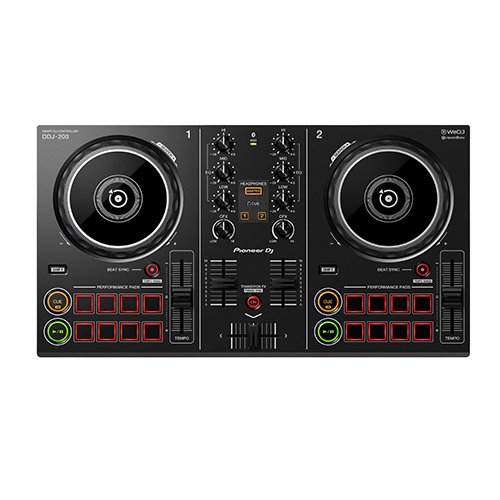
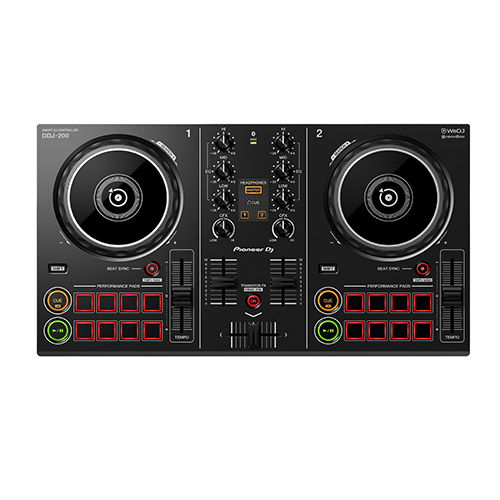
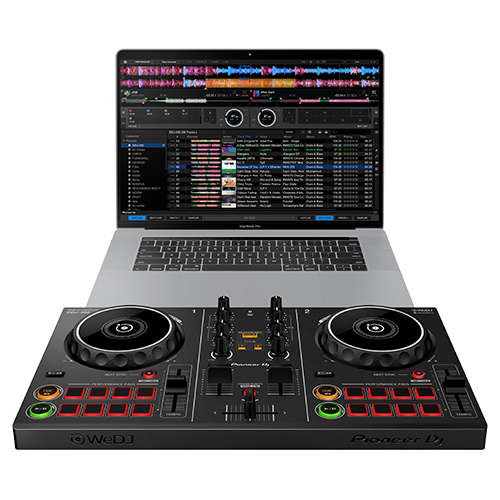
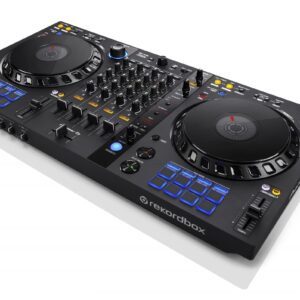
Start DJing with our easy-to-use DDJ-200 smart DJ controller. Lightweight and compact with a pro-style layout, it’ll help you learn to mix and, if you want to, develop DJing from a hobby into something more. Put your own twist on the music as you mix for friends at parties. Play tracks via your smartphone or PC/Mac using a variety of DJ apps and software including our dedicated, free app WeDJ for iPhone, as well as djay and edjing Mix. Depending on your device and the program you choose, you can mix music stored in your iTunes or rekordbox library, or stream songs from Beatport LINK, SoundCloud Go+, Deezer or even Spotify.
Connect your smartphone, tablet, or PC/Mac to start mixing. A number of software programs and apps – including WeDJ, djay, edjing Mix and rekordbox dj – are compatible with selected devices. You’ll also have free use of all the features in WeDJ for iPhone that normally require in-app payments.
COMPATIBLE STREAMING SITES
Depending on your app and device combo, you can mix sounds via streaming services including Beatport LINK, SoundCloud Go+, Deezer, and even Spotify.
TUTORIAL & POP-HINT
Our updated WeDJ for iPhone app includes Tutorial and Pop-Hint features. They’ll help you learn how to operate the controller, discover the basics of DJing including common DJ terms, and have you mixing in no time.
TRANSITION FX
Just starting out behind the decks? Transition between tracks and make it sound professional with the Transition FX feature in WeDJ for iPhone. Choose from 11 effect styles and simply slide the crossfader to the other side to smoothly switch tunes.
COMPACT LIGHTWEIGHT BODY
The DDJ-200 is lightweight and portable. Leave the speakers at home and play sound from your smartphone, tablet, or PC/Mac’s audio outputs. No outlet handy? No problem. Power the controller via an external battery.
Switch tracks naturally
Our Phrase Sync feature will analyze and align the positions of 2 tracks. As a result, it will sound natural when you switch between tunes.
Split output
While everybody else hears the master sound through the speakers, you’ll be listening to and cueing the next track on your headphones. Simply plug in split cables to separate the audio.
rekordbox dj
Simply connect the DDJ-200 to your PC/Mac to enable rekordbox dj. You don’t need to enter a license key to use the software with the controller.
Reviews
There are no reviews yet.
Be the first to review “Pioneer DDJ-200” Cancel reply
Start DJing with our easy-to-use DDJ-200 smart DJ controller. Lightweight and compact with a pro-style layout, it’ll help you learn to mix and, if you want to, develop DJing from a hobby into something more. Put your own twist on the music as you mix for friends at parties. Play tracks via your smartphone or PC/Mac using a variety of DJ apps and software including our dedicated, free app WeDJ for iPhone, as well as djay and edjing Mix. Depending on your device and the program you choose, you can mix music stored in your iTunes or rekordbox library, or stream songs from Beatport LINK, SoundCloud Go+, Deezer or even Spotify.
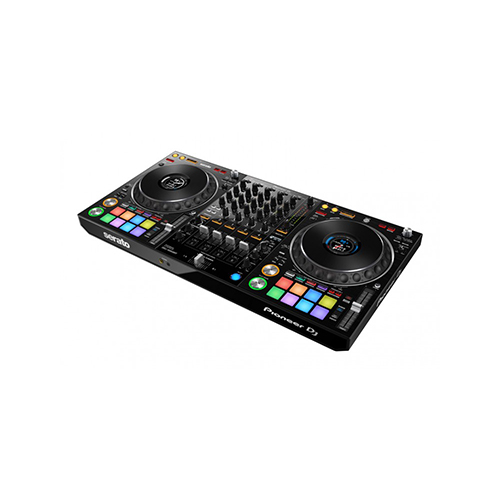
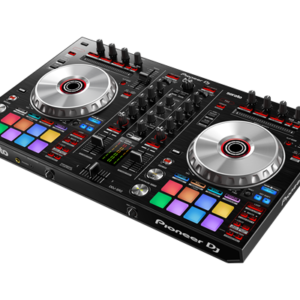
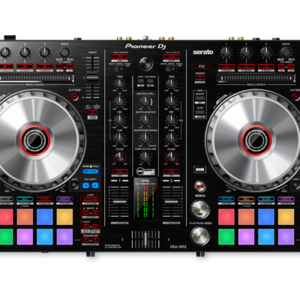
The Serato-compatible version of our popular DDJ-1000 is here – meet the DDJ-1000SRT. This 4-channel DJ controller for Serato DJ Pro is designed to feel just like our club-standard CDJ+DJM setup. You’ll enjoy low-latency, full-size jog wheels and a slick MAGVEL FADER for tight scratching. And with On Jog Display, which shows you important track information in the center of each jog wheel, you can concentrate on the crowd, not your laptop.
Spin, Digitize, and DJ with the Same Deck
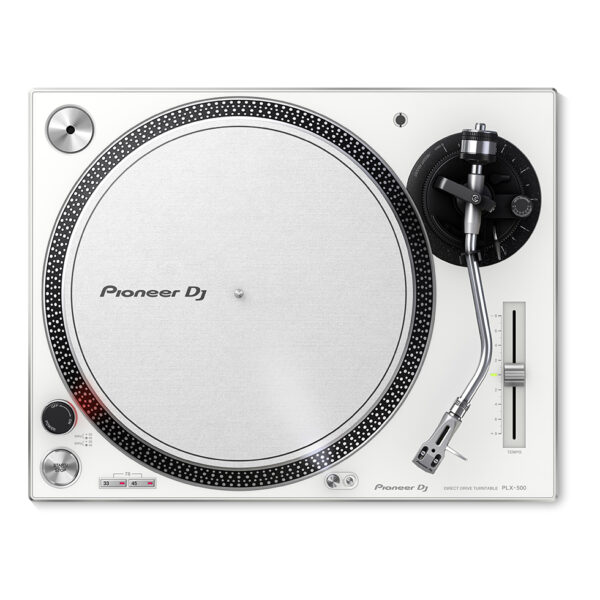
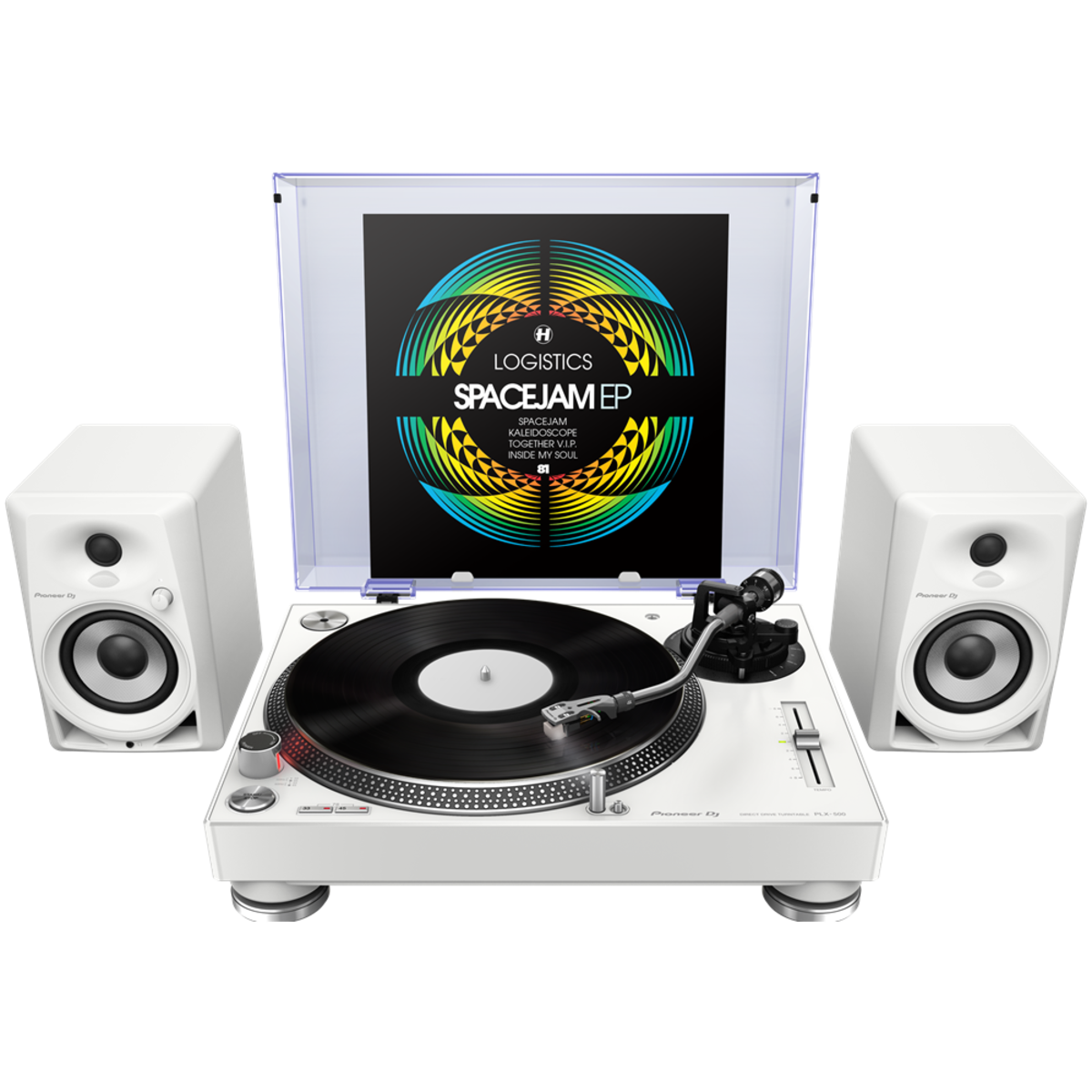
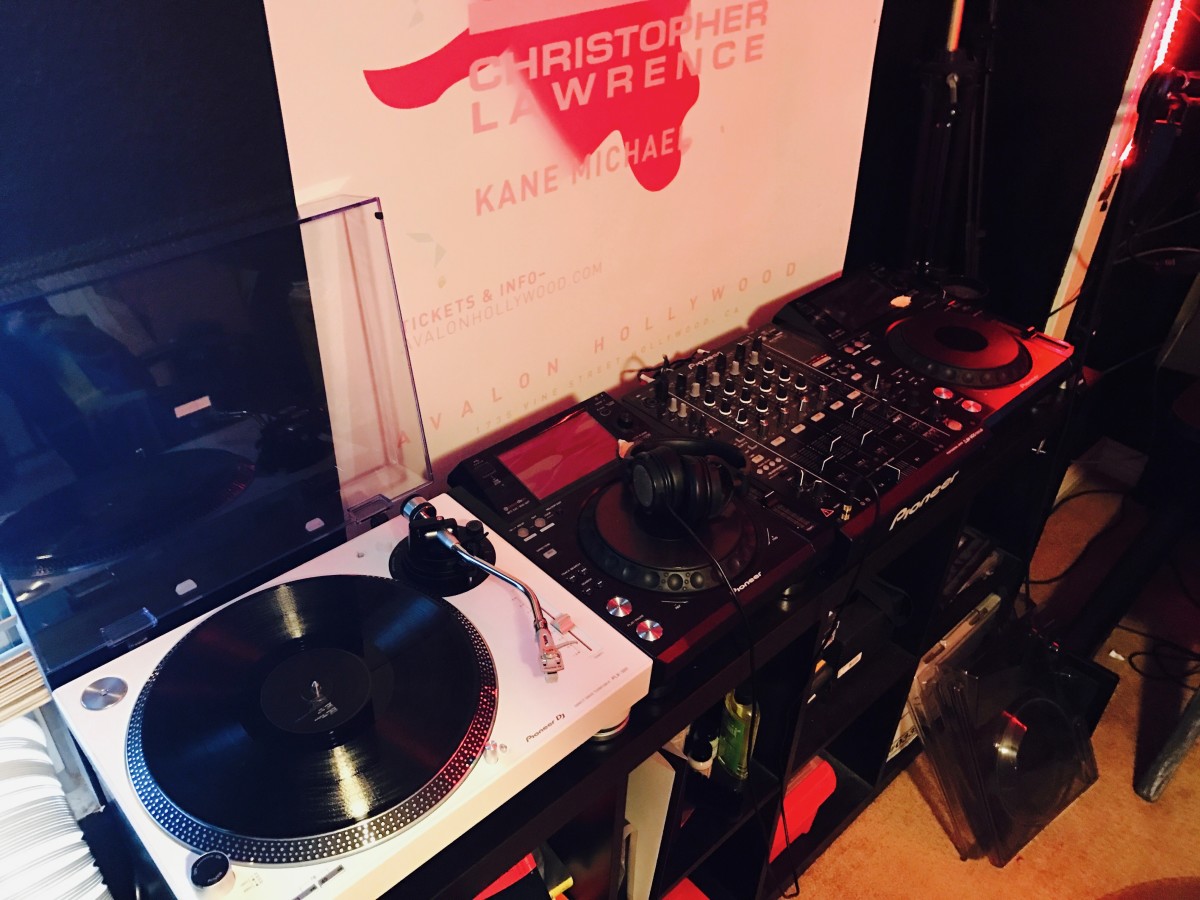
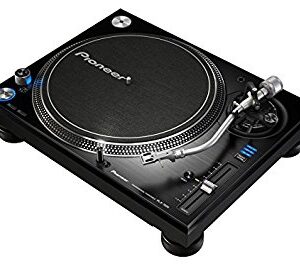
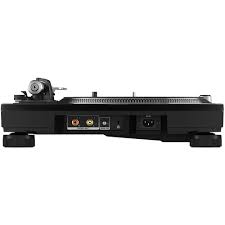
Get used to a great deck, and you'll want to use it everywhere. And with the PIONEER DJ PLX 500 W turntable, you can. Whether you're an analog enthusiast or a performer at heart, the PIONEER DJ PLX 500 W has features to take you from the living room to the booth. The keynote of this unit is its quality analog playback. This is thanks to a smooth and dependable direct-drive motor, short-excursion tone arm with headshell, cartridge, and stylus, and neutral onboard preamp. On top of that, a die-cast aluminum platter and switchable Phono (mixer)/Line (speaker) output make the PIONEER DJ PLX 500 W a winner for DJing. Performers will love parading their record sleeves on the dust cover's stand. And music lovers will enjoy digitizing their collection via USB while they jam.
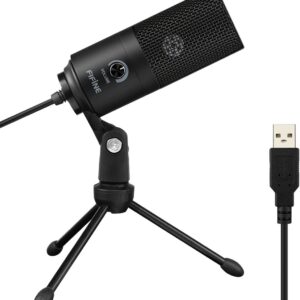
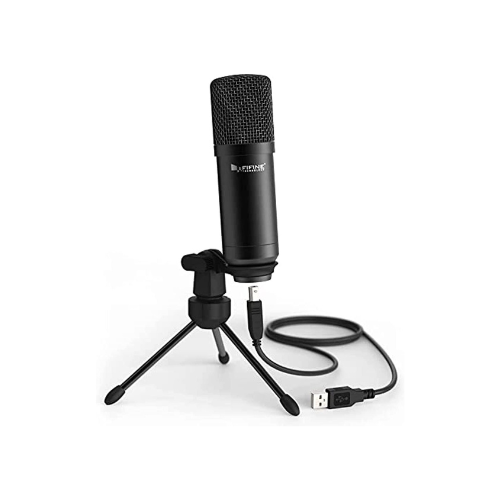
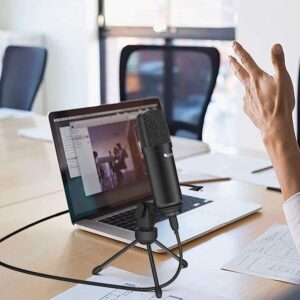
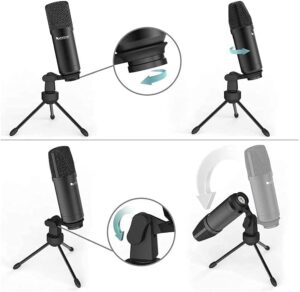
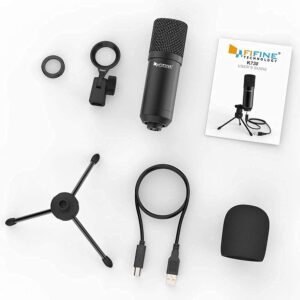
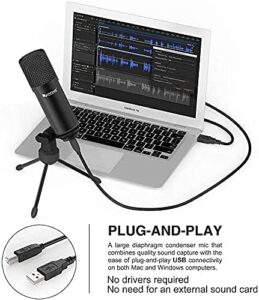
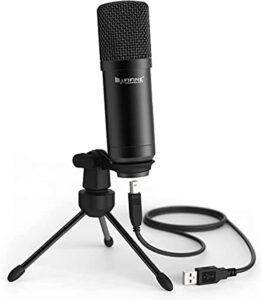
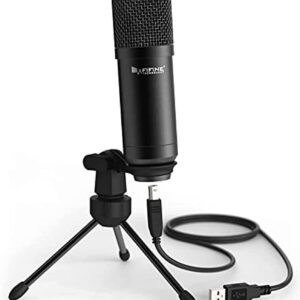
FIFINE USB Condenser Microphone for Windows PC, Laptop, MAC, PS4
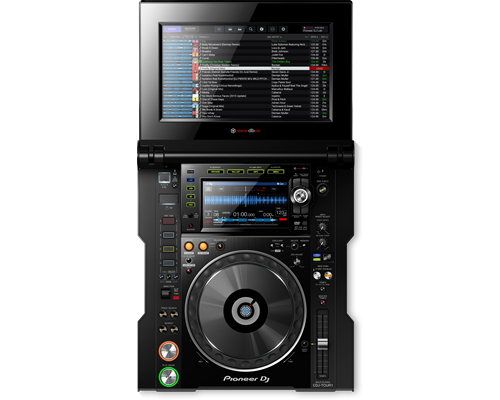
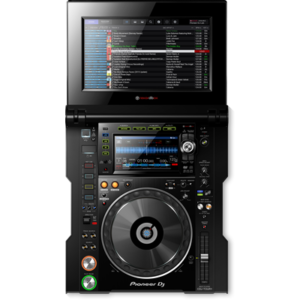
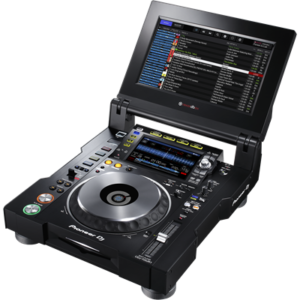
The CDJ-TOUR1 delivers the warm high-resolution sound you're used to, and adds pro-grade audio components to scale up for any size of event. And with the same familiar layout and features as the CDJ-2000NXS2, and a large fold-out touch screen you get effortless control when it matters most.
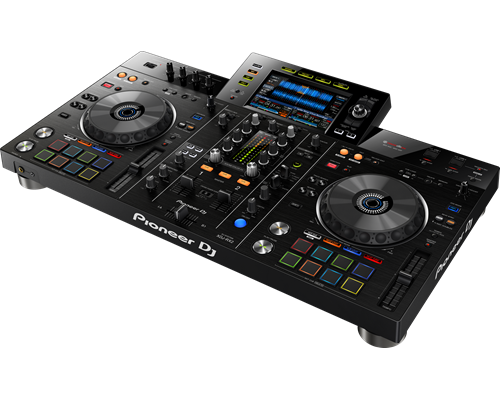
The XDJ-RX2 is an upgrade of the popular XDJ-RX, combined with features and traits from the flagship NXS2 series. The 2-deck, 2-channel all-in-one system delivers a professional DJ experience whether you connect it to rekordbox dj via your laptop or music stored on a USB device.The XDJ-RX2 boasts a large, 7-inch touch screen with QWERTY search, plus features inherited from the CDJ-2000NXS2 and DJM-9000NXS2, including rotary selector, track filter, short cuts, Sound Colour FX and Beat FX. The 8 large, multi-coloured Performance Pads give you smooth control over Hot Cues, Beat Loop, Slip Loop and Beat Jump. Take your performance to the next level as you enjoy the ease and portability offered by an all-in-one solution.
Content
COMPATIBLE APPS
Connect your smartphone, tablet, or PC/Mac to start mixing. A number of software programs and apps – including WeDJ, djay, edjing Mix and rekordbox dj – are compatible with selected devices. You’ll also have free use of all the features in WeDJ for iPhone that normally require in-app payments.
COMPATIBLE STREAMING SITES
Depending on your app and device combo, you can mix sounds via streaming services including Beatport LINK, SoundCloud Go+, Deezer, and even Spotify.
TUTORIAL & POP-HINT
Our updated WeDJ for iPhone app includes Tutorial and Pop-Hint features. They’ll help you learn how to operate the controller, discover the basics of DJing including common DJ terms, and have you mixing in no time.
TRANSITION FX
Just starting out behind the decks? Transition between tracks and make it sound professional with the Transition FX feature in WeDJ for iPhone. Choose from 11 effect styles and simply slide the crossfader to the other side to smoothly switch tunes.
COMPACT LIGHTWEIGHT BODY
The DDJ-200 is lightweight and portable. Leave the speakers at home and play sound from your smartphone, tablet, or PC/Mac’s audio outputs. No outlet handy? No problem. Power the controller via an external battery.
Switch tracks naturally
Our Phrase Sync feature will analyze and align the positions of 2 tracks. As a result, it will sound natural when you switch between tunes.
Split output
While everybody else hears the master sound through the speakers, you’ll be listening to and cueing the next track on your headphones. Simply plug in split cables to separate the audio.
rekordbox dj
Simply connect the DDJ-200 to your PC/Mac to enable rekordbox dj. You don’t need to enter a license key to use the software with the controller.
BIG JOG AND MAGVEL FADER
Scratching feels intuitive thanks to the full-size jog wheels, which you can set to your preferred resistance using Jog Adjust, and a MAGVEL FADER. Highly durable for more than 10 million movements, the MAGVEL FADER makes intricate performances feel easy.
CLUB-STYLE LAYOUT
The buttons and knobs on this Serato DJ Pro controller are arranged in the same way as those on our club-standard NXS2 DJ equipment. As a result, transitioning between this setup and gear you find in DJ booths is a breeze.
ON JOG DISPLAY
See all the information you need via the full-color, high-definition LCD screen in the center of each jog. Monitor playback time, BPM, playback position, and more. This feature’s easy to use, with the display matching the Serato DJ Pro GUI.
PROFESSIONAL FX
Enhance tracks using 4 popular Sound Color FX – Pitch, Filter, Dub Echo, and Noise – from our DJM-series DJ mixers, and get creative with 14 Beat FX. You can instantly reference BPM and the name of the selected FX thanks to the dedicated Beat FX screen.
WELL CONNECTED
The DDJ-1000SRT has 4 inputs so you can connect to CDJs or analog turntables, and use it as a stand-alone DJ mixer. You can also connect directly to PA speakers and microphones thanks to a Booth, 2 Master, and 2 Mic inputs.
PIONEER DJ PLX 500 W
Get used to a great deck, and you'll want to use it everywhere. And with the PIONEER DJ PLX 500 W turntable, you can. Whether you're an analog enthusiast or a performer at heart, the PIONEER DJ PLX 500 W has features to take you from the living room to the booth. The keynote of this unit is its quality analog playback. This is thanks to a smooth and dependable direct-drive motor, short-excursion tone arm with headshell, cartridge, and stylus, and neutral onboard preamp. On top of that, a die-cast aluminum platter and switchable Phono (mixer)/Line (speaker) output make the PIONEER DJ PLX 500 W a winner for DJing. Performers will love parading their record sleeves on the dust cover's stand. And music lovers will enjoy digitizing their collection via USB while they jam.
https://youtu.be/_n5sfhBpr6k
Includes everything you need to get started
Taking a page from the PLX-1000's book, the Pioneer DJ PLX-500 includes all you need to start enjoying and working your vinyl collection. A dust cover to keep your environment clean. A slipmat for spinning. A quality headshell and cartridge for uncolored playback. And a USB cable and free download of rekordbox software to digitize and manage your records. These accessories are just part of the reason Sweetwater recommends the PLX-500 to first-time performers and analog enthusiasts both.
Pioneer DJ PLX-500 Direct Drive Turntable Features:
Built for spinning, digitizing, and DJing
Quality analog playback:
Smooth, dependable direct-drive motor
Built-in preamplifier
Short path from the stylus to the output
Includes headshell with cartridge and stylus
Switchable Phono/Line output:
Phono out connects to a mixer
Line out connects directly to speakers
USB output digitizes your vinyl while you enjoy
Dust cover with stand shows off your latest release or what's on deck
Includes all you need to get started: slipmat, balance weights, stereo audio cables, USB cord, and rekordbox digital download
INHERIT THE BOOTH
The XDJ-RX2 is an upgrade of the popular XDJ-RX, combined with features and traits from the flagship NXS2 series. The 2-deck, 2-channel all-in-one system delivers a professional DJ experience whether you connect it to rekordbox dj via your laptop or music stored on a USB device.The XDJ-RX2 boasts a large, 7-inch touch screen with QWERTY search, plus features inherited from the CDJ-2000NXS2 and DJM-9000NXS2, including rotary selector, track filter, short cuts, Sound Colour FX and Beat FX. The 8 large, multi-coloured Performance Pads give you smooth control over Hot Cues, Beat Loop, Slip Loop and Beat Jump. Take your performance to the next level as you enjoy the ease and portability offered by an all-in-one solution.
KEY FEATURES
LARGE TOUCH SCREEN
The 7-inch, full-colour touch screen gives you a quick visual reference during mixes, including Wave Zoom for detail on track peaks and breakdowns. Browse with the QWERTY keyboard, large rotary selector, Needle Search, Track Filter and Short Cut features.
PRO DJ FEATURES
Perform precise, smooth mixes with EQs and channel faders that feature curves equivalent to those on the DJM-900NXS2 professional club mixer. Also inherited are the Sound Colour FX and Beat FX giving you scope for creative flair.
MULTI-COLOURED PERFORMANCE PADS
Unleash your creativity with 8 large, multi-coloured tactile Performance Pads on each deck for instant access to professional performance features such as Hot Cues, Beat Loop, Slip Loop and Beat Jump (singular or continuous).
LINK EXPORT FOR REKORDBOX
With the USB connection (Link Export), you can connect your laptop directly to the XDJ-RX2 and import your tracks to rekordbox. Play your prepared tracks without needing to export them to a USB device.
REKORDBOX DJ
You get a rekordbox dj licence key bundled with the XDJ-RX2. Simply activate your licence key for our DJ software, connect the device and start DJing.





 Pioneer DJ PLX-500 Direct Drive Turntable Features:


Reviews
There are no reviews yet.