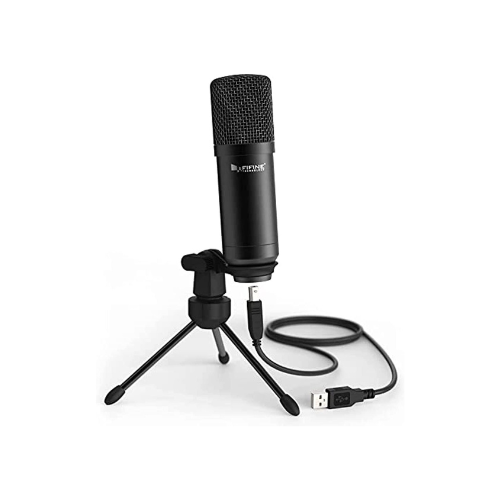
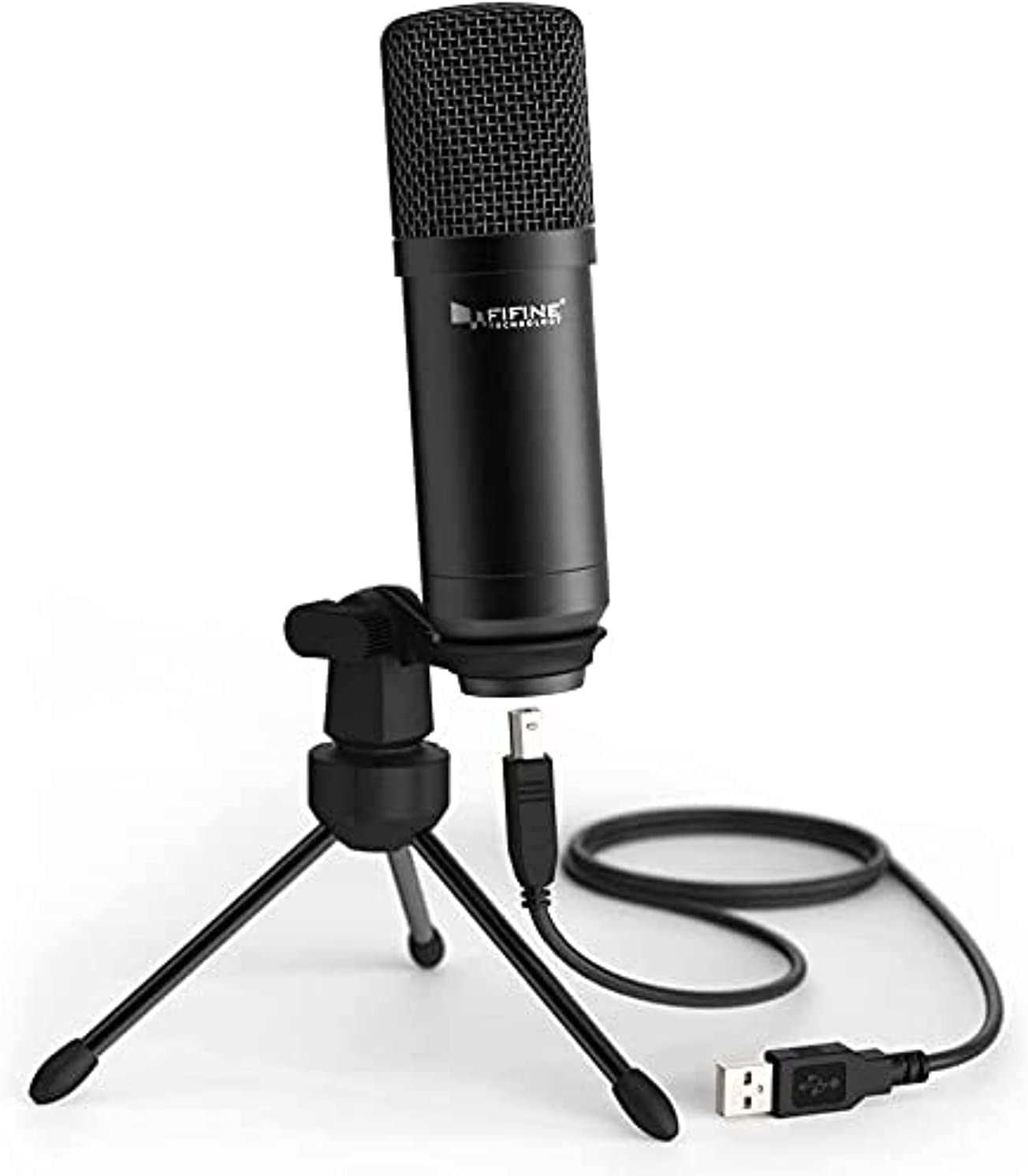
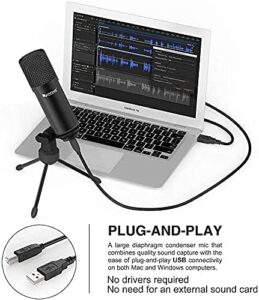
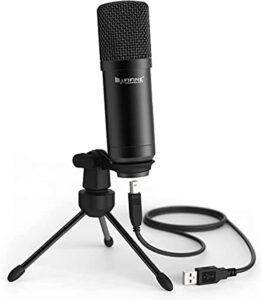
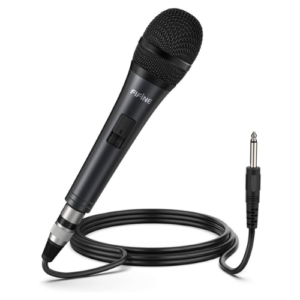
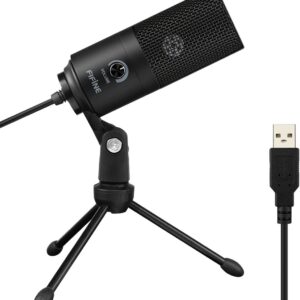
FIFINE USB Condenser Microphone for Windows PC, Laptop, MAC, PS4
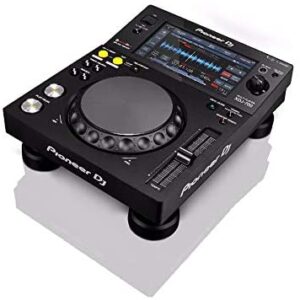
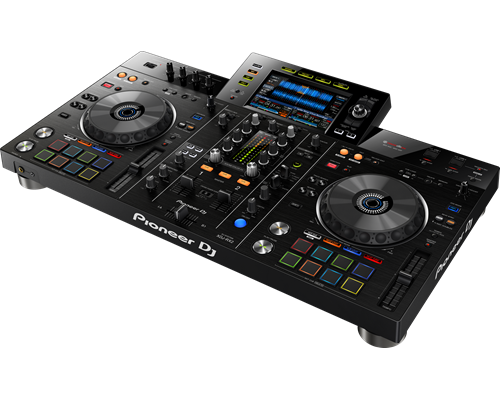
The XDJ-RX2 is an upgrade of the popular XDJ-RX, combined with features and traits from the flagship NXS2 series. The 2-deck, 2-channel all-in-one system delivers a professional DJ experience whether you connect it to rekordbox dj via your laptop or music stored on a USB device.The XDJ-RX2 boasts a large, 7-inch touch screen with QWERTY search, plus features inherited from the CDJ-2000NXS2 and DJM-9000NXS2, including rotary selector, track filter, short cuts, Sound Colour FX and Beat FX. The 8 large, multi-coloured Performance Pads give you smooth control over Hot Cues, Beat Loop, Slip Loop and Beat Jump. Take your performance to the next level as you enjoy the ease and portability offered by an all-in-one solution.
USB Gaming Microphone, FIFINE RGB Dynamic Mic for PC, with Tap-to-Mute Button, Plug & Play Cardioid Mic with Headphone Jack for Streaming, Podcast, Twitch, YouTube, and Discord.
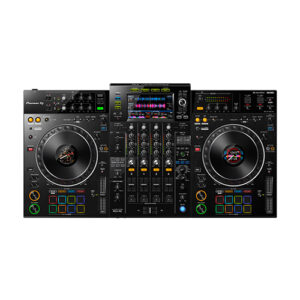
The XDJ-XZ is a professional all-in-one DJ system that’s perfect for events, a bar or club, or your private studio. Wherever you take it, the XDJ-XZ gives you all the features you need to get the job done
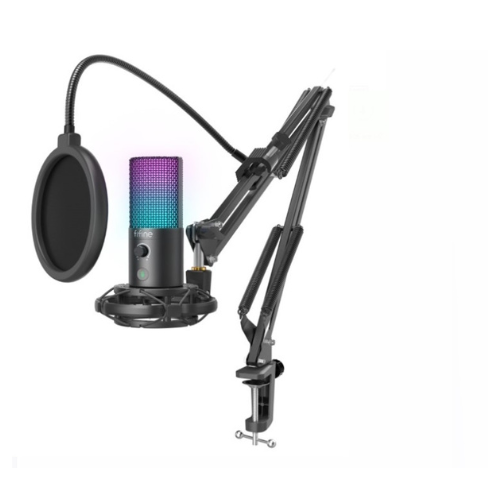
Fifine T669pro3 RGB Bundle Gaming Microphone
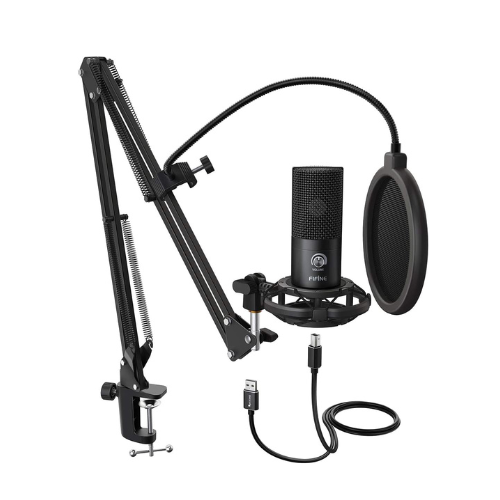
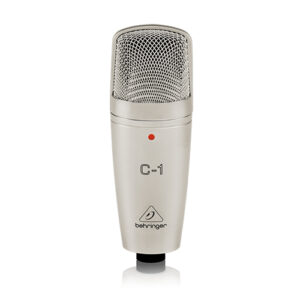
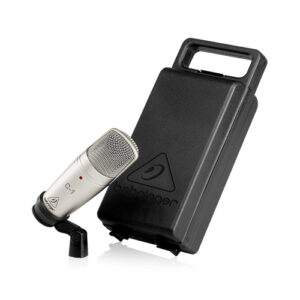
FIFINE Studio Condenser USB Microphone Computer PC Microphone Kit with Adjustable Scissor Arm Stand Shock Mount for Instruments Voice Overs Recording Podcasting YouTube Karaoke Gaming Streaming
Content
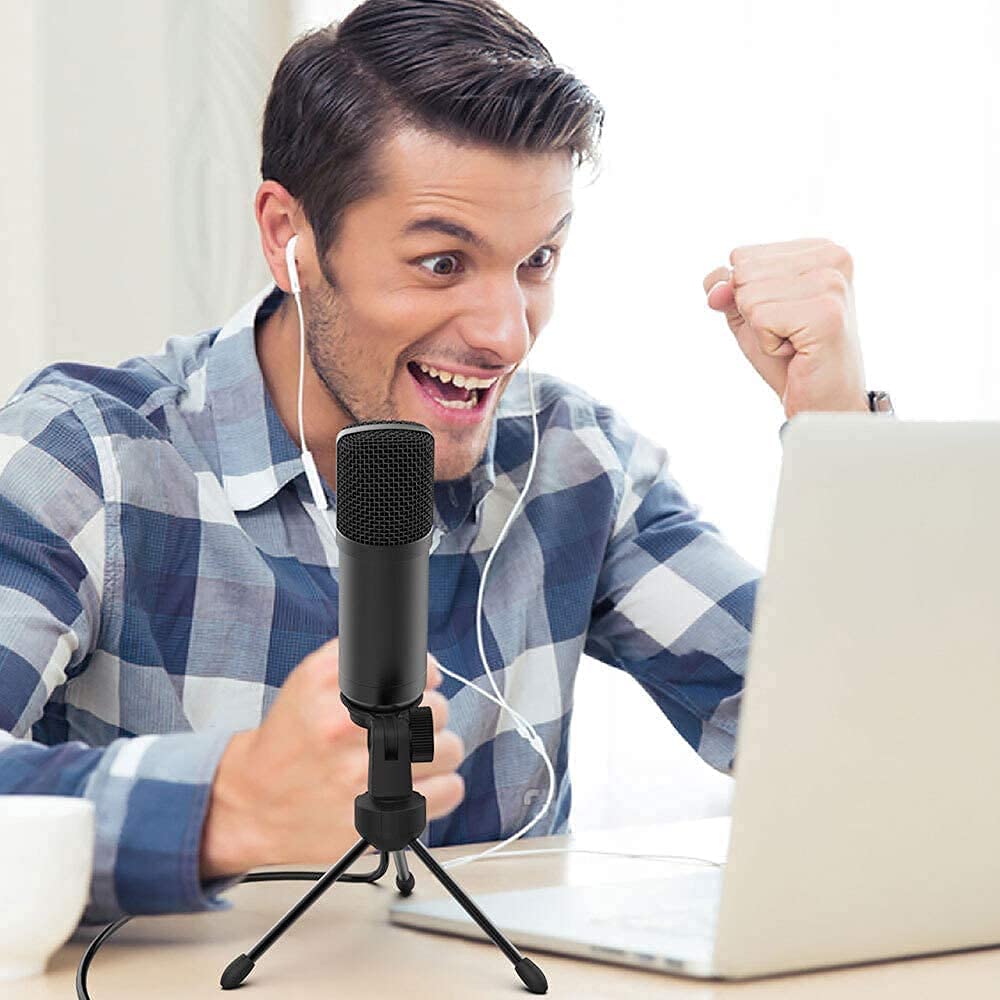
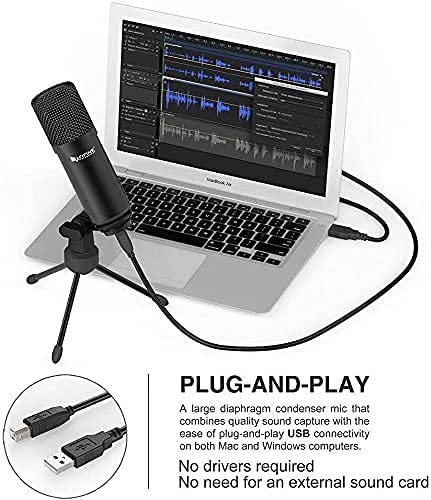
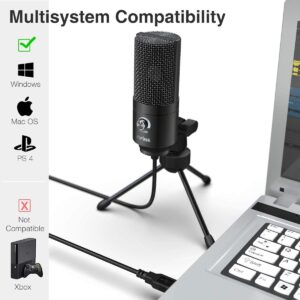
Fool-proof USB installation: plug-and-play USB Microphone on Mac, Windows and PS4.
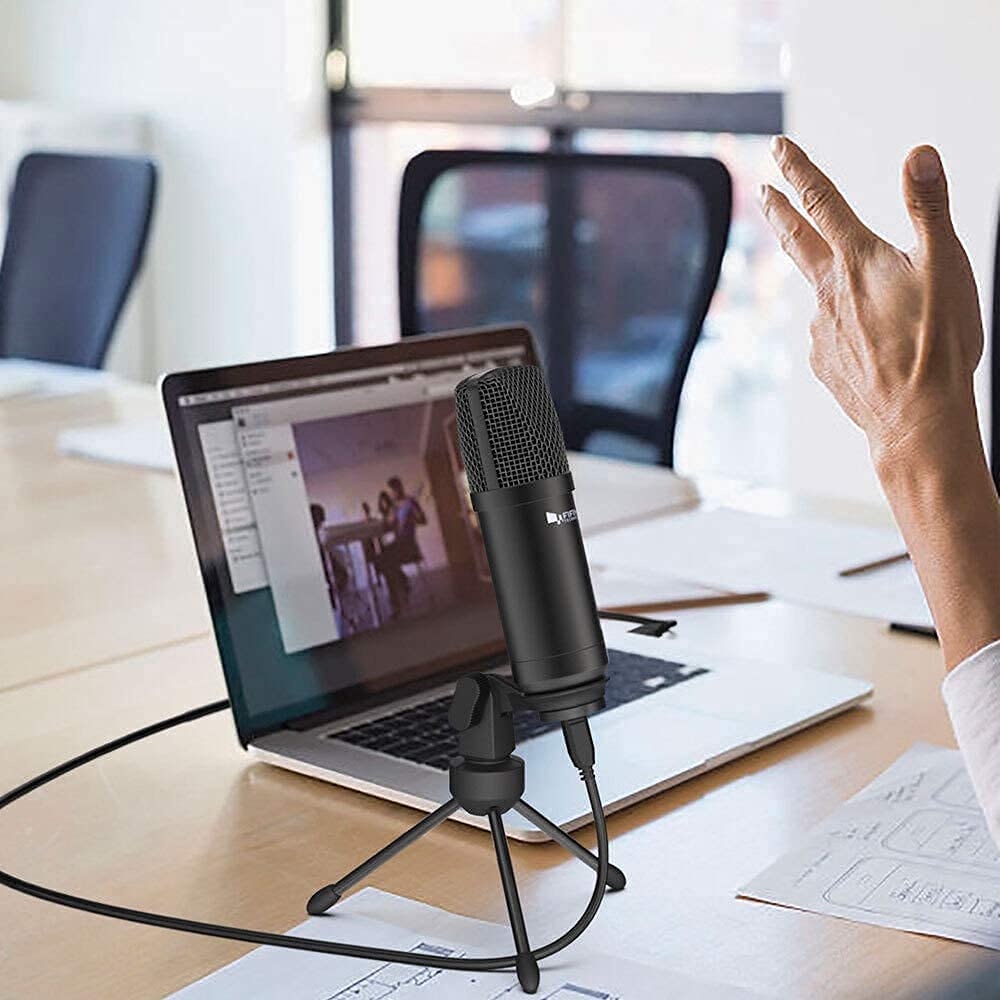
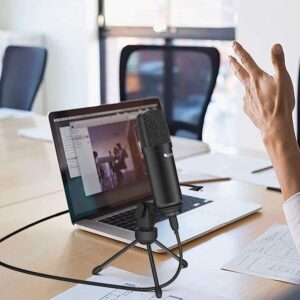
Compact size will not block your face during streaming. Get rid of bulky plastic headset.
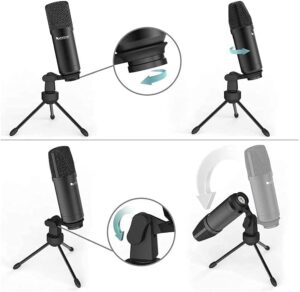
All-metal body enhances professional feeling and even protects the mic from drop damage.
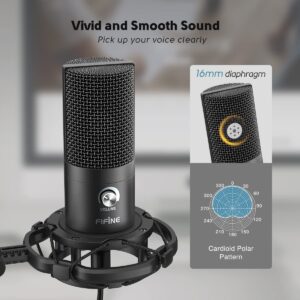
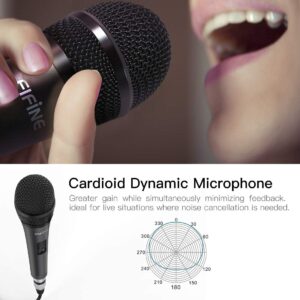
Cardioid pattern reduces irritating fan or keyboard noise for crystal clear communication.
Your computer's perfect partner: Improve the Sound of Your Audio Projects.
INHERIT THE BOOTH
The XDJ-RX2 is an upgrade of the popular XDJ-RX, combined with features and traits from the flagship NXS2 series. The 2-deck, 2-channel all-in-one system delivers a professional DJ experience whether you connect it to rekordbox dj via your laptop or music stored on a USB device.The XDJ-RX2 boasts a large, 7-inch touch screen with QWERTY search, plus features inherited from the CDJ-2000NXS2 and DJM-9000NXS2, including rotary selector, track filter, short cuts, Sound Colour FX and Beat FX. The 8 large, multi-coloured Performance Pads give you smooth control over Hot Cues, Beat Loop, Slip Loop and Beat Jump. Take your performance to the next level as you enjoy the ease and portability offered by an all-in-one solution.
KEY FEATURES
LARGE TOUCH SCREEN
The 7-inch, full-colour touch screen gives you a quick visual reference during mixes, including Wave Zoom for detail on track peaks and breakdowns. Browse with the QWERTY keyboard, large rotary selector, Needle Search, Track Filter and Short Cut features.
PRO DJ FEATURES
Perform precise, smooth mixes with EQs and channel faders that feature curves equivalent to those on the DJM-900NXS2 professional club mixer. Also inherited are the Sound Colour FX and Beat FX giving you scope for creative flair.
MULTI-COLOURED PERFORMANCE PADS
Unleash your creativity with 8 large, multi-coloured tactile Performance Pads on each deck for instant access to professional performance features such as Hot Cues, Beat Loop, Slip Loop and Beat Jump (singular or continuous).
LINK EXPORT FOR REKORDBOX
With the USB connection (Link Export), you can connect your laptop directly to the XDJ-RX2 and import your tracks to rekordbox. Play your prepared tracks without needing to export them to a USB device.
REKORDBOX DJ
You get a rekordbox dj licence key bundled with the XDJ-RX2. Simply activate your licence key for our DJ software, connect the device and start DJing.
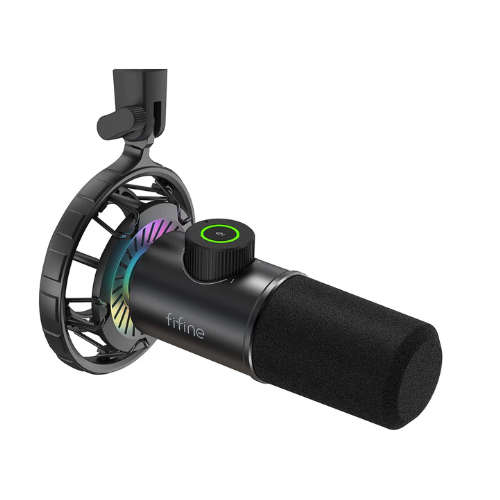
USB Gaming Microphone, FIFINE RGB Dynamic Mic for PC, with Tap-to-Mute Button, Plug & Play Cardioid Mic with Headphone Jack for Streaming, Podcast, Twitch, YouTube, Discord.
[Original Voice Reproduction] With 16 bit, 48kHz sampling rate, the USB Dynamic microphone enhances vocal intelligibility and voice reproduction. Discord K658 boosts streamer or podcaster popularity for you via resonate voice delivering. Gaming mic for streaming with cardioid pattern minimizes ambient noises, like tower fan or central air system, to lessen your studio podcasting or broadcast audio processing.
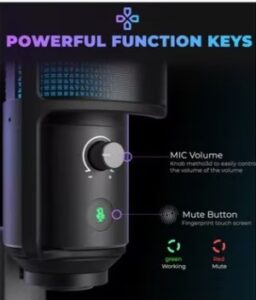
[Function Mic Keys] Soft-touch mute button helps you instantly mute the gaming microphone without audible noises when streaming or podcasting. Built-in LED indicate microphone gaming working status even gaming in the dark. Big gain control offers fine tuning for the dynamic USB microphone volume when Twitch or Discord. You can hear FPS games footsteps clearly in real time or headphone audio production via the headphones jack.
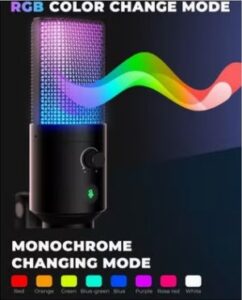
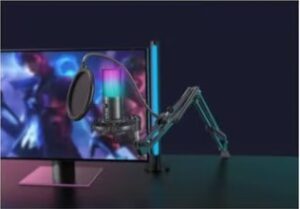
[Ambient RGB lights] Unique RGB lights with rainbow colors on mic dynamic highlights exciting game atmosphere, reflected on the podcast mic shock mount but not dazzling. If you live the same game as others, your streaming will be much better and attracts more viewers due to the appearance of standing RGB dynamic mic. You can turn on/off the RGB with the button at the back of the microphone for PC.
[Easy to Work] The straightforward USB plug-and-play computer mic is compatible with Windows, Mac OS and Play Station Consoles (Xbox not included). With high speed type-C (mic end) to type-A (computer end) connection, the streaming microphone is plugged into your computer or game console, and then the PC mic works. Firmly tight USB-C connection will not interrupt intense game tactical talking or emotional podcast recordings.
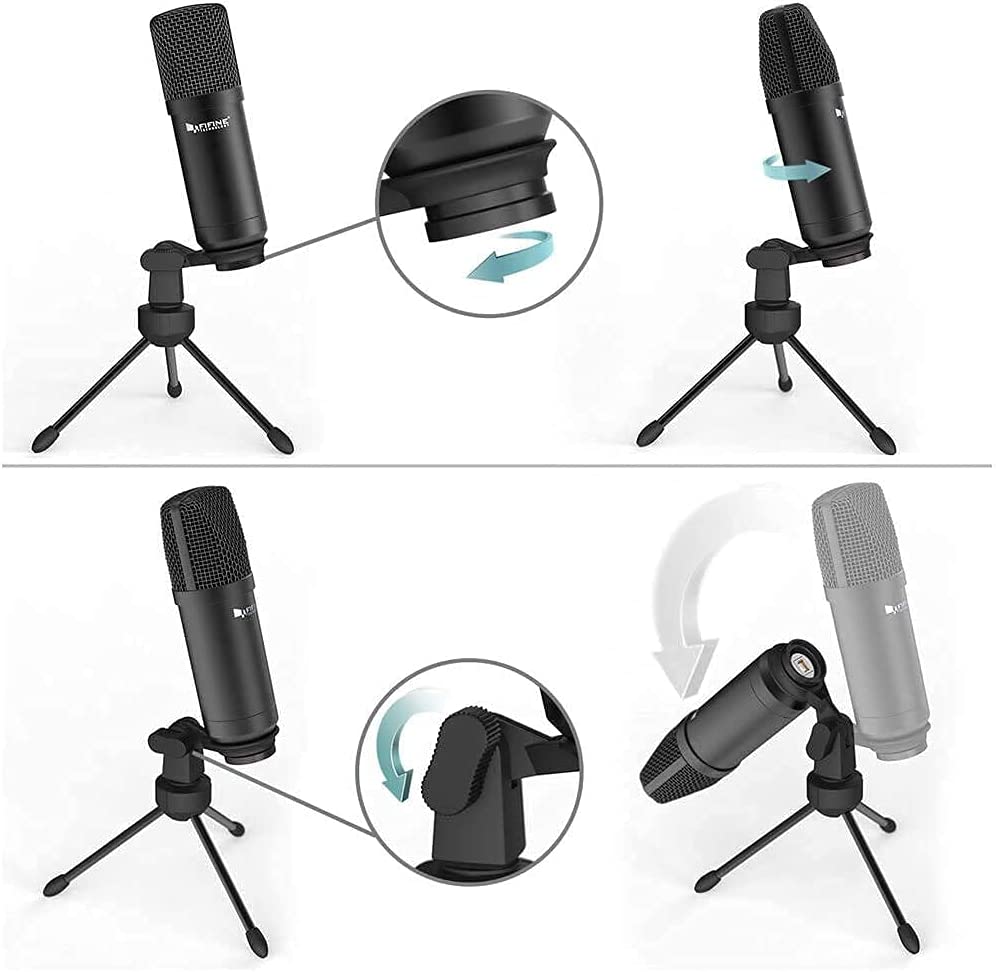
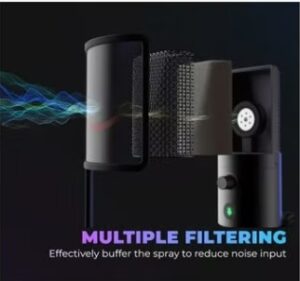
[Noise Reduction] Shock mount with circular frame design reduces desk vibration caused by knocking keyboard or operating gamepad when you are gaming. A locking knob on the USB gaming microphone is for easy angle adjustment. Designed with acoustic transparent foam, windscreen on the USB dynamic mic for PC reduces blasting sound when you speak. Audiences will enjoy the streaming with less noise.
Package Including: Dynamic PC Microphone for Gaming*1, Shock Mount*1, Screw Adapter*1, Metal Ring*1, Dynamic Microphone USB Cable (8.2ft)*1, User's Manual*1 (Tips: Keep the sound source in front of USB microphone top. Fifine K658 microphone suggested recording range is 2 to 4 in.)
THE POWERHOUSE
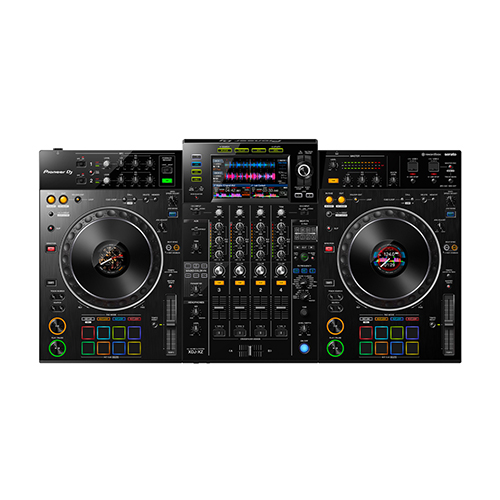
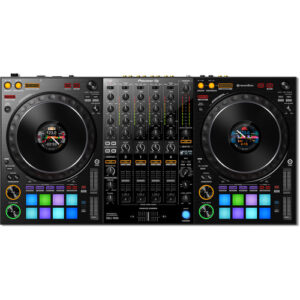
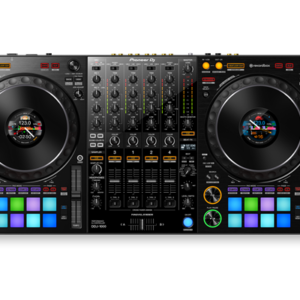
The XDJ-XZ is a professional all-in-one DJ system that’s perfect for events, a bar or club, or your private studio. Wherever you take it, the XDJ-XZ gives you all the features you need to get the job done.
This 4-channel system features a professional layout – so you’ll feel exactly like you’re using our club-standard NXS2 setup. And, thanks to flexible media support, you can choose from a variety of ways to perform. Animate your sets with 14 professional Beat FX and 6 Sound Color FX, and trigger software-specific features using the 16 multicolored Performance Pads. Superior club-ready sound and a host of advanced features are at your fingertips at all times with the sturdily built, single unit.
KEY FEATURESCONTROLS OPTIMIZED FOR PROFESSIONAL PERFORMANCES
Feel like you’re playing on the NXS2 setup and get hands-on with all the features you need. Full-size jog wheels enable next-level scratching, and color On Jog Display gives you crucial track information. Add flair with 14 Beat FX and 6 Sound Color FX.
FLEXIBLE MEDIA SUPPORT
Enjoy the freedom to play the way you want. Plug in a USB drive loaded with rekordbox-analyzed tracks or connect a laptop to use rekorbdox dj or Link Export mode. From early 2020, you’ll even be able to use Serato DJ Pro.
SUPERIOR SOUND QUALITY AND MULTIPLE EQS
Rev up the crowd with crystal-clear audio thanks to the 64-bit digital signal processor. Fine-tune your entire mix using the 3-band master output EQ. The Feedback Reducer feature stops any “howling” from occurring on the mic, keeping things smooth.
PRO DJ LINK EXPANDS YOUR CREATIVE OPTIONS
The XDJ-XZ is the first all-in-one DJ system to support Pro DJ Link. Connect equipment like CDJs to the 3rd and 4th channels and sync the audio to your mix. Use the XDJ-XZ’s screen to browse the libraries from the external sound sources.
TOUCH SCREEN AND COLOR ON JOG DISPLAY
Keep track of all the information you need and focus on your performance. Waveforms, Hot Cues, BPM, and more is displayed via the 7-inch LCD touch screen and the color On Jog Display in the centre of each jog wheel.
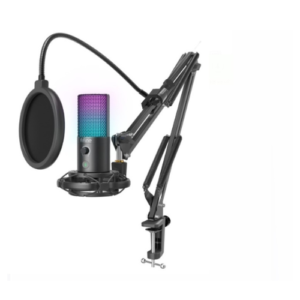
Fifine T669pro3 RGB Bundle Gaming Microphone.
Tap to Mute sensor with LED indicator (RED and GREEN)
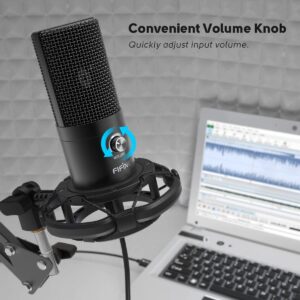
The volume knob convenient gain control ,Easily adjust your mic sensitivity.
Built In anti vibration shock mount
There will be pop filter in parcel will help smooth out some of those pesky percussive noises that periodically punctuate your speech
One plug and play microphone for streaming on PC , PS4 , PS5 , MAC.
Various RGB lightning - Equipped with three modes , static and gradient lights, You can choose the color you like or let it gradually change
3.5mm headphone jack
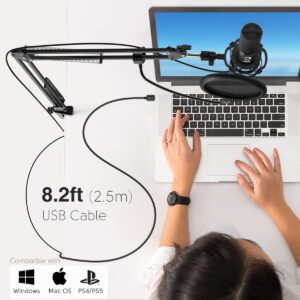
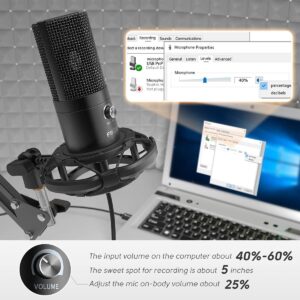
【USB Output】Enables simple setup. USB Microphone Kit provide a direct convenient plug-and-play connection to Mac and Windows computers without any additional hardware for recording vocals, podcasts and Skype. It's never been easier to get high-quality sound for your voice and computer-based audio recordings.(◆◆Incompatible with Xbox and Phones◆◆)
【Excellent Sound Quality】With rugged construction for durable performance, the vocal microphone offers a wide frequency response and handles high SPLs with ease.Ideal for project/home-studio applications.The cardioid condenser capsule offers crystal-clear audio for communicating, creating and recording.Comes ready to go with a desktop mic stand and 2.5M USB cable,you're guaranteed to get great-sounding results.
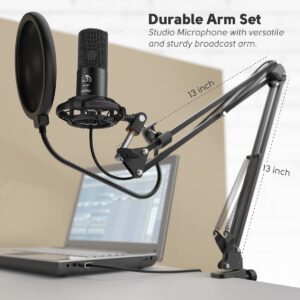
【Durable Arm Set】Studio USB Microphone with versatile and sturdy broadcast suspension boom scissor arm gives you great tools for capturing your voice in a podcast or voiceover.The Double Pop Filter provides two layers of dissipation, removes the rush of air caused by vocal plosives,minimizing the popping sounds that can compromise your recording is great for studio as well as home use.
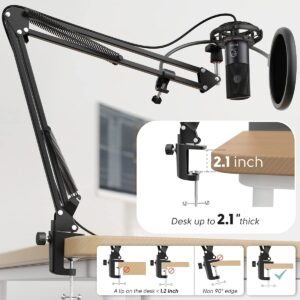
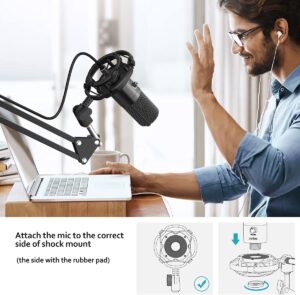
【Easy to Attach】The streaming microphone adjustable boom studio scissor Arm Stand features a heavy-duty combo mount that consists of a sturdy C-clamp and a detachable desktop mount.With 13" fixed horizontal arm and offers a 30" reach.The low-profile,table-hugging design allows on-air talent to perform without facial obstruction to record podcasts or make dubbing sounds for videos, use voice chat in online games or doing business on Skype.
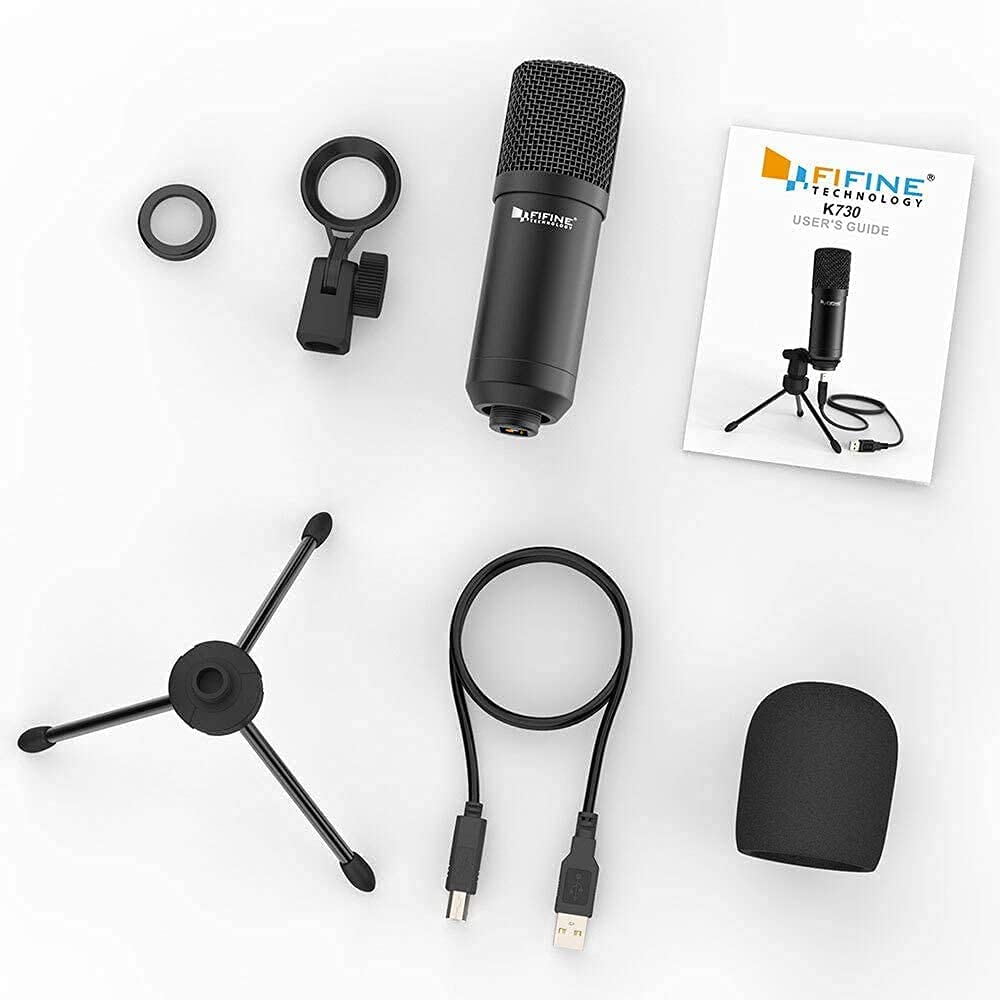
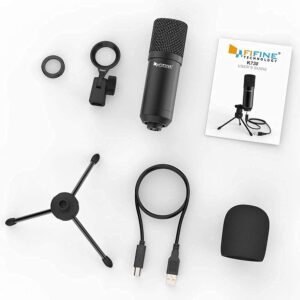
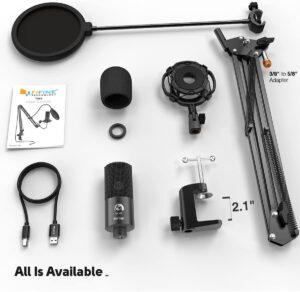
【The Accessory Package Includes】The scissor arm stand is made out of all steel construction, sturdy and durable, a studio-grade shock mount,a double pop filter, premium 8.2' USB cable,a bonus tripod stand, a microphone for podcast recording, a user manual.



Reviews
There are no reviews yet.